
Engineering guide
How to record events at remote assets
Keep a useful record between site visits.
For a remote asset, define the event and its review process before choosing X-7 or X-8. Check the mounting point, available solar energy and communications at that location. Agree which readings the team receives and test the setup on site. The Dongdagang X-7 photographs show real mounting locations; they do not establish remote-site battery life or network coverage.
Sources: Dongdagang Bridge installation photographs, X-7 product specifications.
What needs checking at the asset?
Start with a photograph of the structure and the proposed sensing point. A reading describes the device at that point. The engineer needs to decide how that reading relates to the asset and its inspection task.
- Define the event. Describe the suspected impact or tilt change and who decides whether a site check is needed.
- Check the mounting. Agree orientation, fixing, access permission and a baseline reading. Record the final installation with a photograph.
- Check power and the route out. Assess shading and the expected event/reporting load. Check communications at the installed position.
- Test the handover. Confirm the receiving system, the reviewer and how a finding stays with the record.
Use the site evaluation checklist to agree acceptance criteria before increasing the number of nodes.
Will it work without mobile coverage?
The standard X-7 uses 4G; LoRa is listed for X-7 Pro. X-8 lists 4G and LoRa. A LoRa radio still needs a defined receiving path and onward connection. LoRa does not by itself establish LoRaWAN compatibility. Confirm the radio variant, local network compatibility and site coverage for an Australian, Singaporean or New Zealand deployment. X-7 specifications; X-8 specifications.
Agree what happens during a connection loss: local storage, retention, retry, backfill and timestamp handling. Request a representative test record. This review does not establish a standard offline retention period or a guaranteed notification delay.
What does the existing installation evidence show?
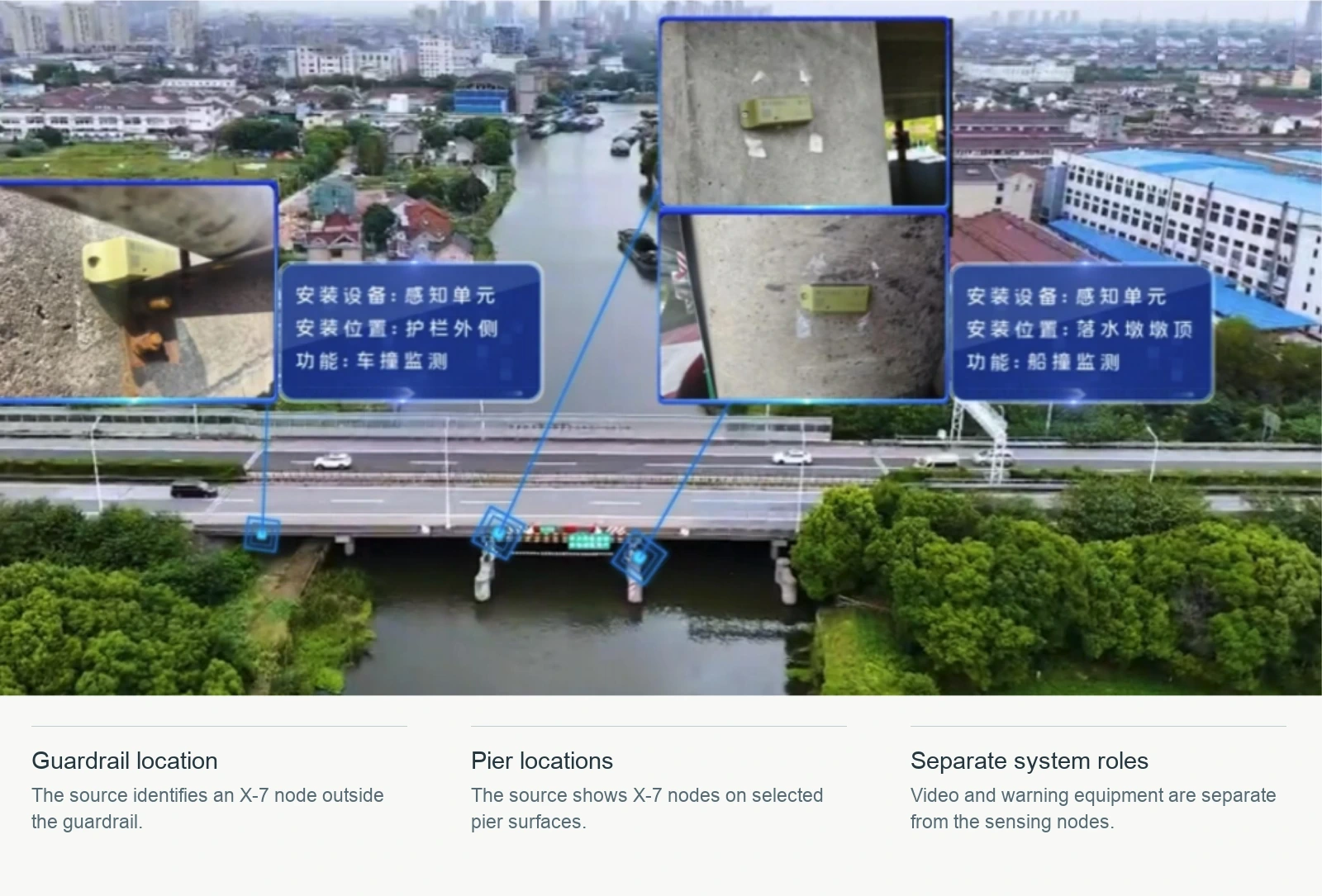
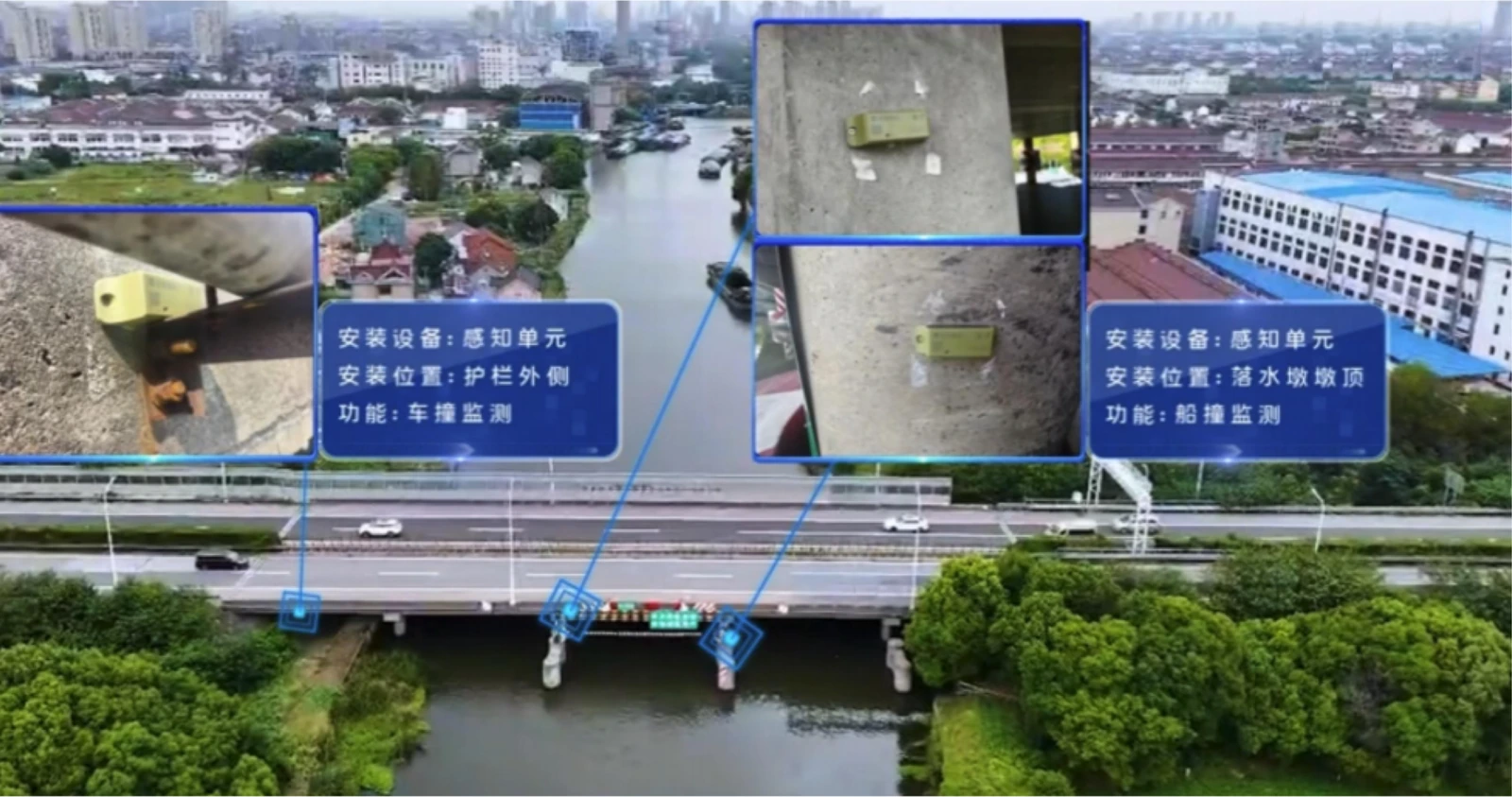
The Dongdagang material shows X-7 at selected guardrail and pier locations, with separate video and warning equipment in the project. Read the Dongdagang project record for the scope. Suitability at a shaded, coastal or difficult-access site needs a separate assessment.
Which record should the engineer ask to receive?
Ask for the device and asset point, event timestamp and time zone, measured quantity and units, trigger settings, and any associated site finding. The Shaba River X-7 record provides a real example: a saved event, a site photograph and a staff handling entry. The triggered-event data guide distinguishes those displayed fields from a full pre/post-event data export.
Sources and scope
- Dongdagang Bridge installation photographsX-7 project material, Jiangsu, China. This is installation evidence, not a runtime or connectivity test.
- X-7 product specificationsCurrent manufacturer product page. Tilt accuracy ±0.5°; standard 4G, LoRa on X-7 Pro.
- X-8 product specificationsCurrent manufacturer product page. Tilt accuracy 0.01°. Confirm the project measurement and installation conditions.
- Technical evaluation and delivery scopeManufacturer evaluation checklist. Site, communications, measurement and delivery responsibilities are agreed for the project.
Prepared from manufacturer materials and the project records named above. Engineering acceptance remains specific to the proposed installation.